J.Gong
2025-10-08
4.38min
🚀 3D Missile Command on Colyseus
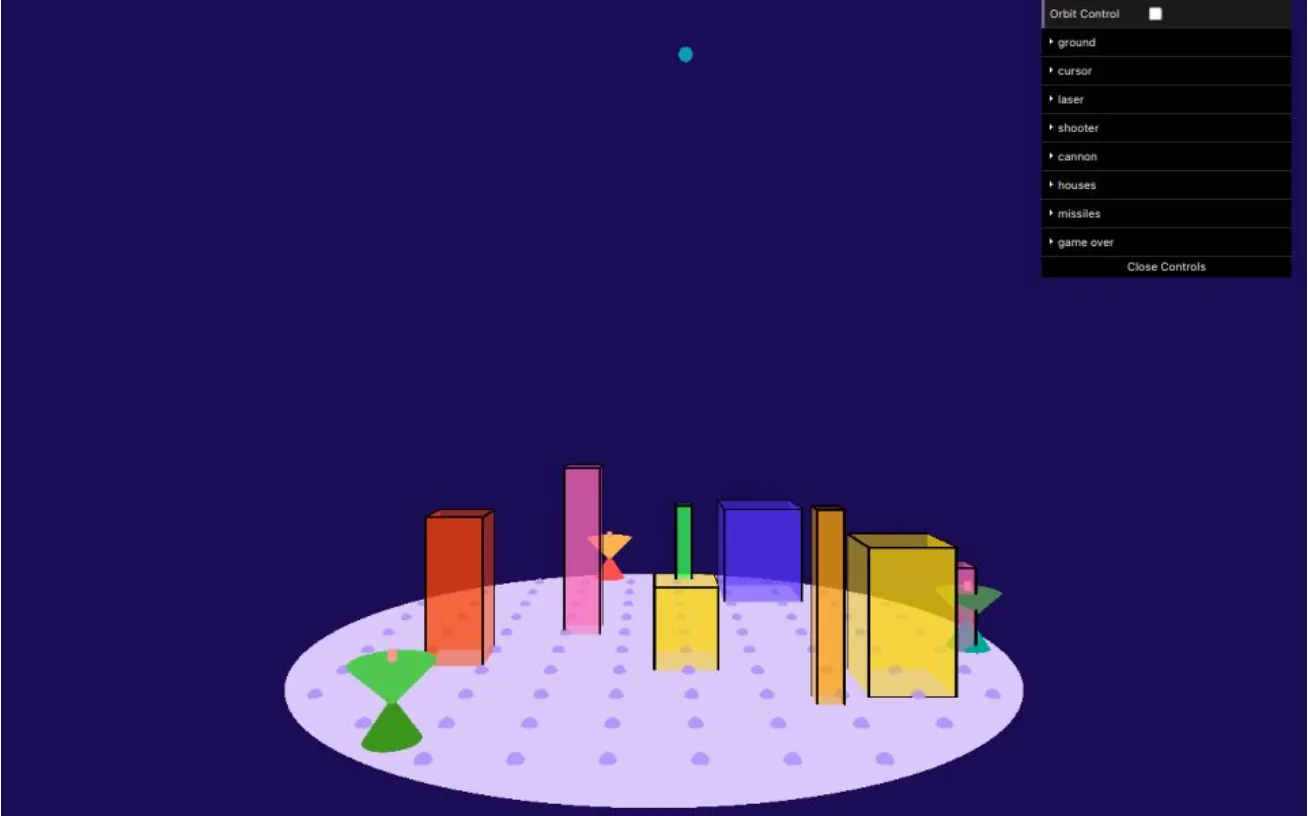
Last year, I created a 3D Missile Command game using p5.js for my Digital Graphics class. This time, for the Game AI class, I decided to upgrade it into a 1v1 Battle version ⚔️.
However, since p5.js is essentially a subset of the Processing language, extending the project came with limitations from both Processing and JavaScript. So I decided to rebuild it entirely in Babylon.js 🧱.
Thanks to the ECS paradigm and Cursor, the transition from p5.js to Babylon.js wasn’t too painful. I started with Babylon’s webpack example and swapped the bundler to Rspack ⚙️.
The AI assistant (Sonnet 3.5) got stuck handling mouse events 🐭. In the original p5.js version, I had to implement raycasting myself, but Babylon.js provides raycasting natively — so some manual adjustment was needed.
🎮 Play the remake here: missile-command.netlify.app
🛡️ Defender Mode
The original Missile Command is all about defense — the player marks laser targets to protect cities from incoming missiles.
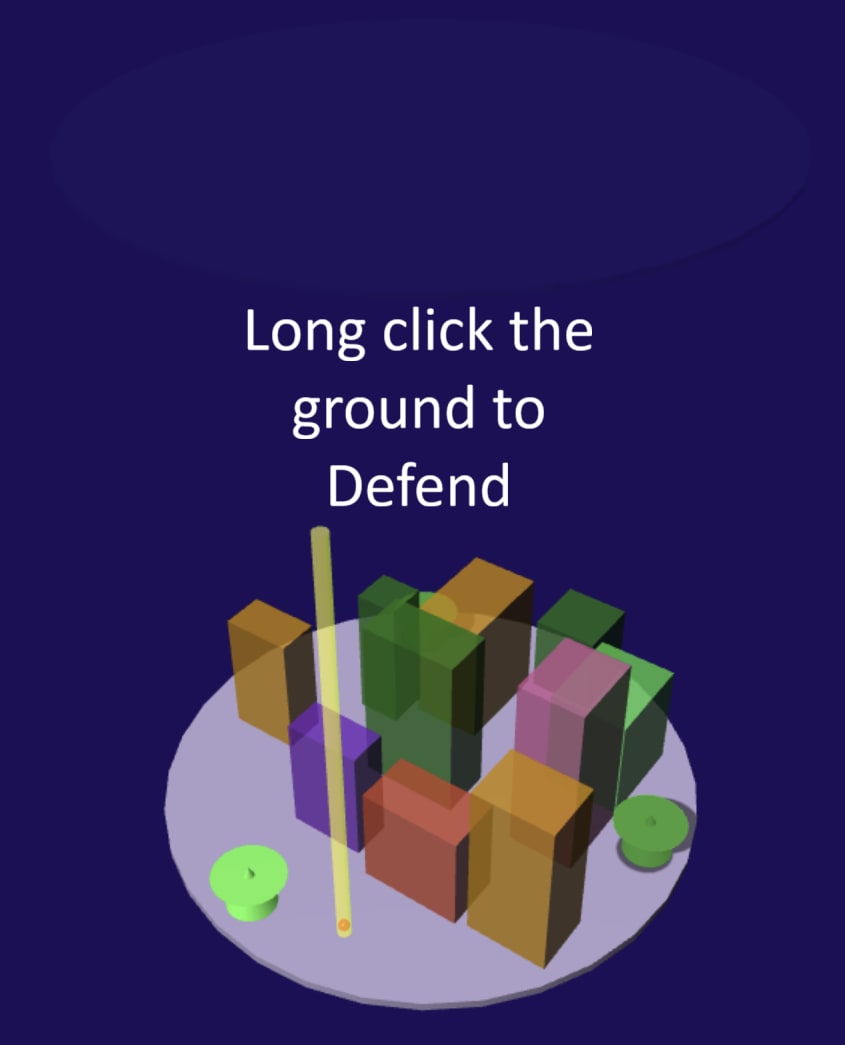
I kept most of the defense logic the same. The player simply long-clicks on the ground to set the target location. Simple, classic, and satisfying 💥.
☄️ Attacker Mode
Now comes the twist — the Attacker 😈.
I added a sky area in the game so the attacker can click positions to launch missiles toward the defender’s cities.
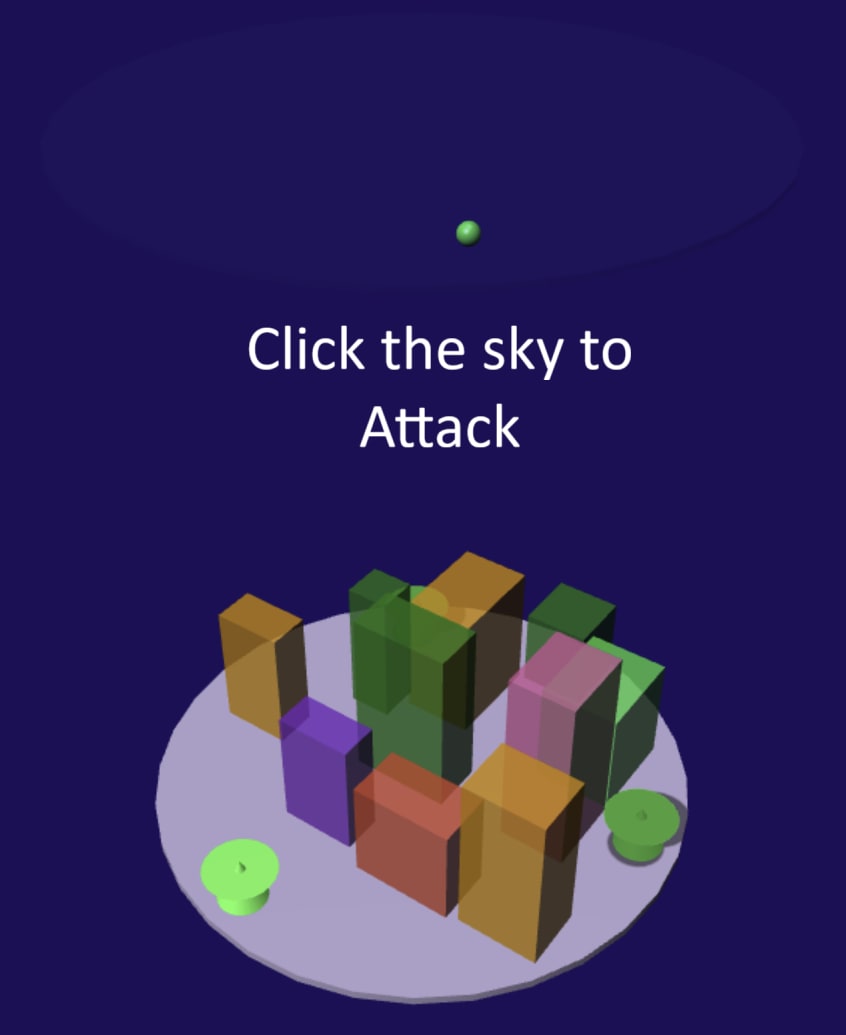
This turns the game into a tense 1v1 showdown — one defends, one destroys.
🗄️ Data & Storage
At first, I used LocalStorage for quick prototyping 🧩. Later, I refactored everything with Cursor to use Firebase Realtime Database 🔥 for proper multiplayer sync.
Here’s how it works:
- When Player 1 starts a game, a 6-digit room hash is generated in the URL.
- Player 2 joins using that same URL — they automatically become the Attacker.
- Any other players joining the same link will be blocked
| 🛡️ Defender | ☄️ Attacker | 👀 Others |
|---|---|---|
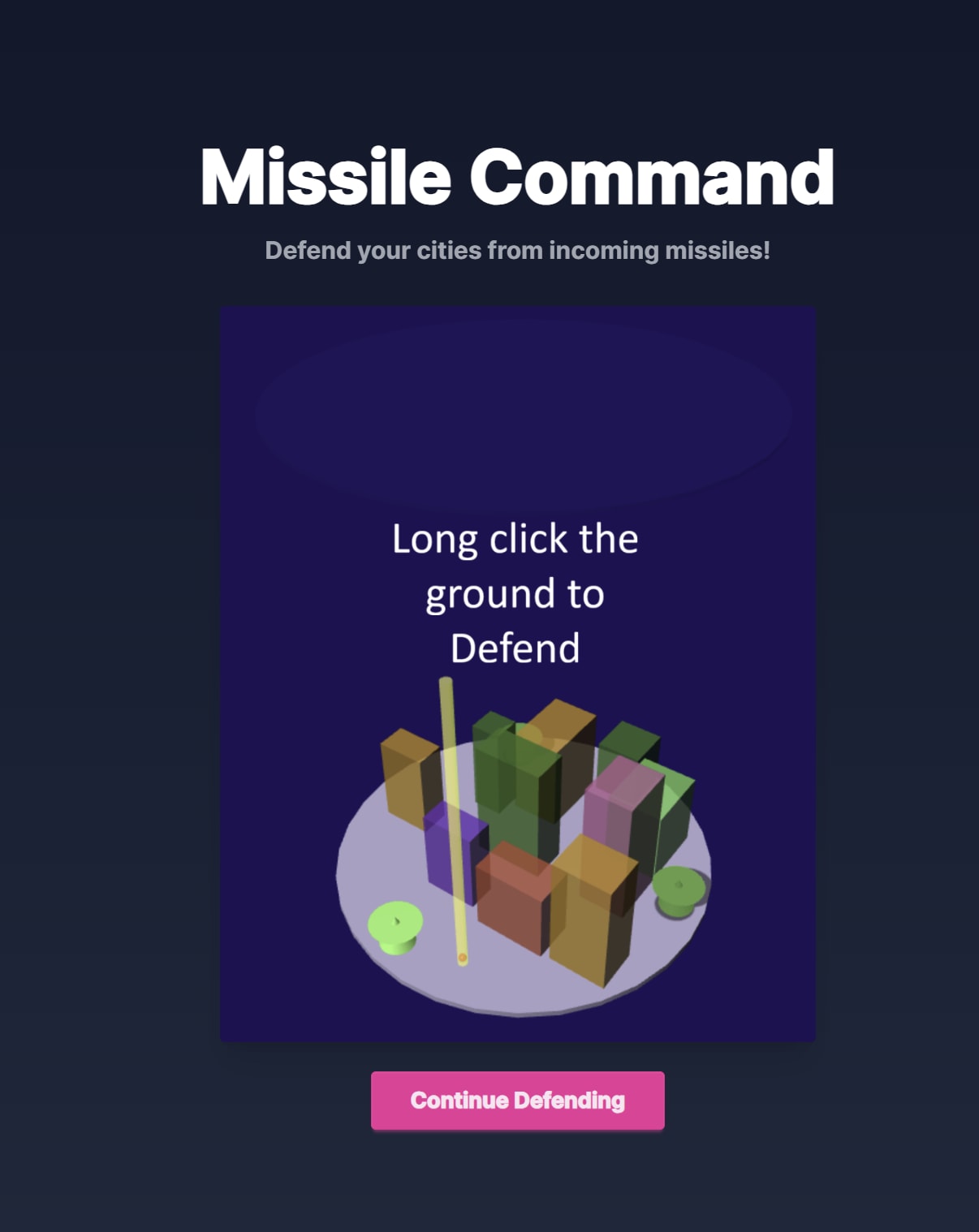 | 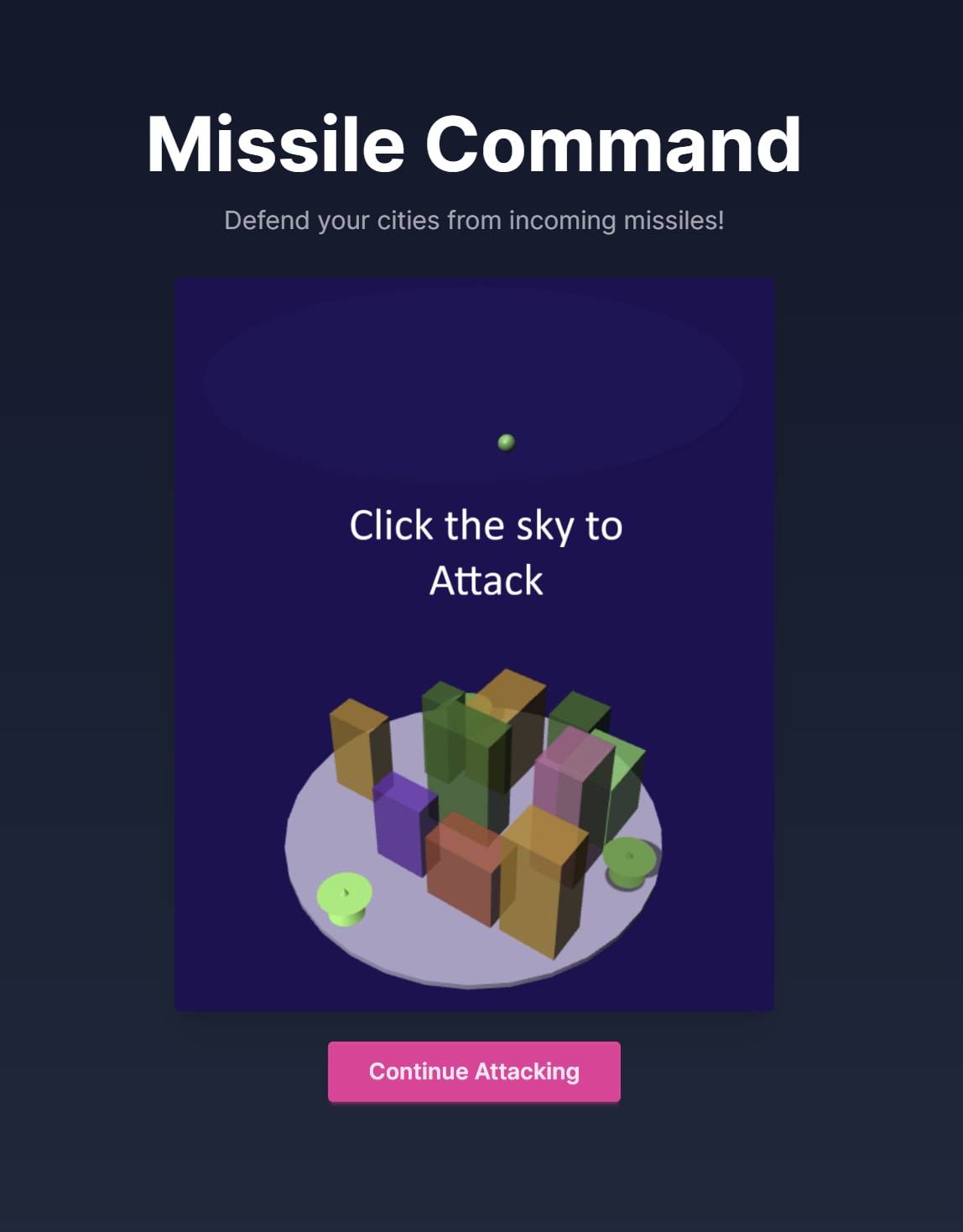 | 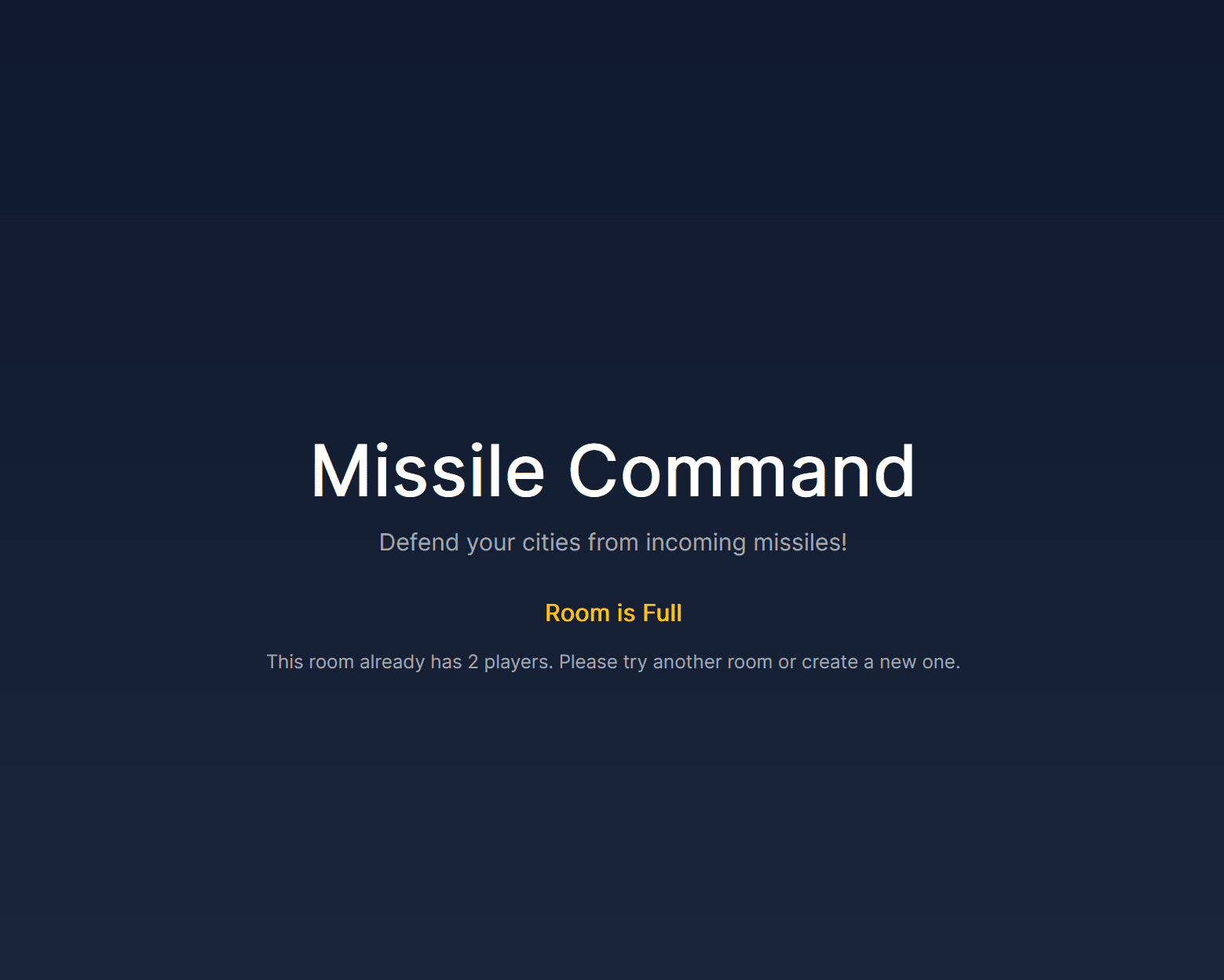 |
The data in the Firebase database is structured as follows:
rooms = Record<ID, Room>

Room {
  houses: Houses[]
  players: Record<FID, Players>
  Missiles: Missiles[]
}

House {
 color: Color
 isDestoryed: Boolean
 position: Position
 size: Position
}

Player {
 fid: FID,
 role: "defender" | "attacker"
}

Missile {
 color: Color,
 isActive: Boolean,
 isHit: Boolean,
 position: Position,
 target: position,
}

Color { r g b a }
Position { x, y, z }
classDiagram
class Room {
houses: House[]
players: Record<FID, Player>
missiles: Missile[]
}
class House {
color: Color
isDestroyed: Boolean
position: Position
size: Position
}
class Player {
fid: FID
role: "defender" | "attacker"
}
class Missile {
color: Color
isActive: Boolean
isHit: Boolean
position: Position
target: Position
}
class Color {
r: float
g: float
b: float
a: float
}
class Position {
x: float
y: float
z: float
}
Room "1" --> "*" House : contains
Room "1" --> "*" Missile : launches
Room "1" --> "2" Player : has
House "1" --> "1" Color
House "1" --> "1" Position : position
Missile "1" --> "1" Color
Missile "1" --> "1" Position : position
Missile "1" --> "1" Position : target
🔍 Collision Detection
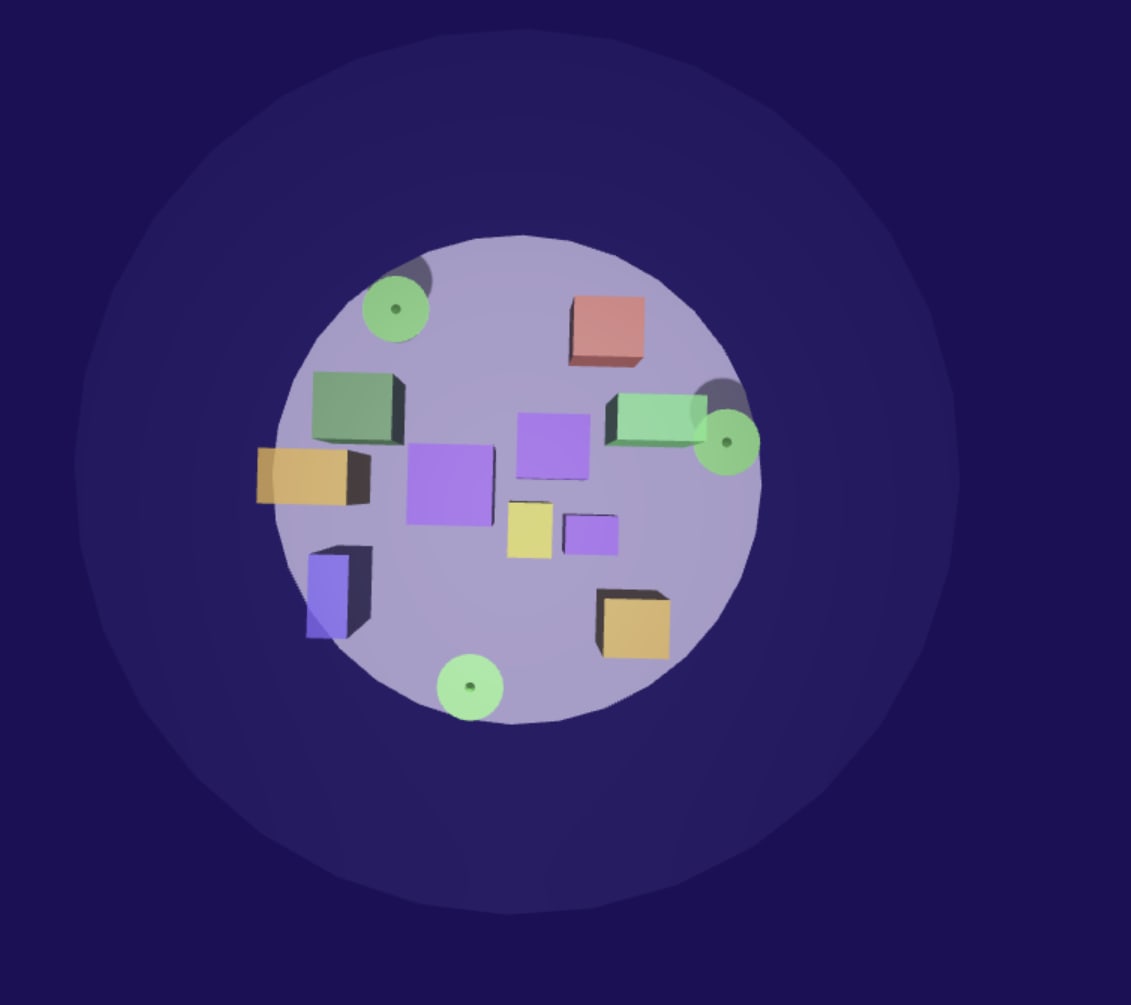
To place the buildings on the plate, I used random numbers combined with trigonometric functions (sin, cos) to generate polar coordinates. 🎲
const angle = Math.random() * Math.PI * 2;
const distance = Math.random() * (groundRadius - 5);
const x = Math.cos(angle) * distance;
const z = Math.sin(angle) * distance;
const y = 0;
Next, I calculate whether the proposed position is already occupied. For this, I leverage Yuka’s AABB (Axis-Aligned Bounding Box) system:
function getHouseAABB(position: Vector3, size: Vector3): YukaAABB {
    const points = []
    // Push the 8 corners of the house
    points.push(new YukaVector3(position.x + size.x / 2, position.y + size.y / 2, position.z + size.z / 2));
    /* ... */

    return new YukaAABB().fromPoints(points);
}

function isValidHousePosition(ctx: SceneContext, position: Vector3, size: Vector3): boolean {
    // Keep ground boundary constraint (circular ground with radius 30)
    const distanceFromCenter = Math.sqrt(position.x * position.x + position.z * position.z);
    if (distanceFromCenter + Math.max(size.x, size.z) / 2 > 30) {
        return false;
    }

    const proposedAABB = getHouseAABB(position, size)

    // Test intersection with existing houses (box vs box)
    for (const house of ctx.gameState.houses) {
        const existingAABB = getHouseAABB(house.position, house.size)
        if (proposedAABB.intersectsAABB(existingAABB)) {
            return false;
        }
    }
}
🚀 Missile’s Gravity
The vertical gravity calculation 🌍
const gravity = -2;
m.verticalVelocity += gravity * dt;
const dy = m.verticalVelocity * dt;
...
m.position.y += dy;
🧠 Using Colyseus as Backend
At first, I used Firebase as the backend — but the network was too slow 🐢. So I switched to Colyseus ⚡ for a faster, real-time multiplayer backend.
⚙️ Project Setup
After running into some monorepo headaches 🌀 (the @colyseus/schema package didn’t play nicely),
I decided to split it into two separate projects instead.
Setting things up took longer than expected ⏳ — so if you’re starting fresh, it’s better to use the official Colyseus example project. ✅
🧩 Game State
To maintain a single source of truth 🧭, all physics are calculated on the server side.
Here’s the schema definition 👇
class GameState extends Schema {
  @type([Player]) players: ArraySchema<Player> = new ArraySchema<Player>();
  @type([House]) houses: ArraySchema<House> = new ArraySchema<House>();
  @type([Missile]) missiles: ArraySchema<Missile> = new ArraySchema<Missile>();
  @type([Laser]) lasers: ArraySchema<Laser> = new ArraySchema<Laser>();
  @type([Marker]) markers: ArraySchema<Marker> = new ArraySchema<Marker>();
  @type("boolean") isGameOver: boolean = false;
}
At first, I wanted to use Babylon’s serializer
to compute the scene server-side and stream it to clients.
However, @colyseus/schema requires strict descriptions, so I dropped that plan 🙅♂️.
Colyseus provides a handy @colyseus/playground 🧪 — where you can inspect the entire game state structure visually.
On the client, use onStateChange to react to state updates:
room.onStateChange(handler);You can also use getStateCallbacks
to listen to specific value changes 🎯.
🏠 Game Room
To communicate between client and server, the server listens for the following events 🎮:
| Event Name | Description |
|---|---|
spawn_missile | Attackers spawn missiles |
add_marker | Defenders set laser targets |
assign_role | Any player chooses their role |
export class GameRoom extends Room<GameState> {
  state = new GameState();

  onCreate() {
    this.onMessage("spawn_missile", (client, { x, z }) => {...});
    this.onMessage("add_marker", (client, { x, y, z }) => {...});
    this.onMessage("assign_role", (client, { role }) => {...});
    this.initializeScene();
    this.setSimulationInterval((deltaTime) => this.update(deltaTime), 50);
  }

  onJoin(client, options) {...}
  onLeave(client) {...}
  onDispose() {...}
}
Client-side event sending example 📡:
function getClient(): Client {
  if (!client) {
    const server = process.env.SERVER || "ws://localhost:2567";
    client = new Client(server);
  }
  return client;
}

async function getRoom(): Promise<Room> {
  if (!roomPromise) {
    const client = getClient();
    const roomName = "missile_command";
    const connect = (opts?: Record<string, unknown>) =>
      client.joinOrCreate(roomName, opts).catch(async () => {
        try {
          return await client.create(roomName, opts);
        } catch {
          return await client.join(roomName, opts);
        }
      });
    roomPromise = connect();
  }
  return await roomPromise;
}

// Usage
const room = await getRoom();
room.send("spawn_missile", { x, z });
🕹️ Rules
🧨 Attackers
Each missile costs 10 points 💸 to launch, but hitting a target earns 100 points 💥.
private hitHouse(h: House, attackerSessionId: string): void {
  h.isHit = true;
  h.isDestroyed = true;

  const attacker = this.findPlayer(attackerSessionId);
  if (attacker) attacker.score += 100;
}

private spawnMissile(x: number, z: number, clientSessionId: string): void {
  const attacker = this.findPlayer(clientSessionId);
  if (attacker) attacker.score -= 10;

  const m = new Missile();
  m.position.set(x, 75, z);
  m.target = new Vec3(x, 0, z);
  m.speed = 0;
  m.verticalVelocity = 0;
  m.isActive = true;
  m.isHit = false;
  m.color = { r: Math.random(), g: Math.random(), b: Math.random() };
  m.id = `${Date.now()}-${Math.random().toString(36).slice(2, 8)}`;
  m.clientSessionId = clientSessionId;
  this.state.missiles.push(m);
}
🛡️ Defenders
Destroying a missile rewards 50 points ✨.
private resolveMarkerHit(laserIndex: number, x: number, z: number): void {
  const explosionRadius = 5;
  let destroyedCount = 0;

  for (const m of this.state.missiles) {
    if (!m.isActive) continue;
    const d = Math.hypot(m.position.x - x, m.position.z - z);
    if (d <= explosionRadius) {
      m.isActive = false;
      destroyedCount++;
    }
  }

  const marker = this.state.markers.find(m => !m.isDone && m.assignedLaserIndex === laserIndex);
  if (marker) {
    marker.isDone = true;
    if (destroyedCount > 0) {
      const player = this.findPlayer(marker.clientSessionId);
      if (player) player.score += destroyedCount * 50;
    }
  }
}
🚢 Deployment
🧩 Open Source Code: Missile Command on GitHub
- Server:
/apps/server— deployed on Render.com ☁️ - Client:
/apps/client— live on Netlify 🌐
🎥 Gameplay Preview: